Planning a website is easier when you use a clear path. This guide walks you through each step in plain English. You will decide what you want the site to do, who it serves, how it should look and work, and how to launch it without stress. We will keep it practical and friendly. Think of this as the checklist you share with your team so everyone moves in the same direction.
What Is Website Planning?
Website planning is the process of deciding how your site will support your business and your audience. It includes goals, pages, content, design, features, and budget. It also covers how you will track results after launch. When you plan well, you save time in design and development. You also avoid last minute changes that drive up cost. A good plan sets simple rules that guide every choice later.
How To Plan A Website
There are many ways to plan a website, but the core steps are the same. Follow the list below to define your goals, your users, your content, and your budget. Keep notes in one shared document. Be direct. Short sentences help you confirm what matters and what can wait.
1. Define Your Goals
Write down what success looks like in numbers. Do you want more sales, more qualified leads, more bookings, or more signups? Pick a small set of goals and set a target for each one. For example, increase form submissions by 25 percent in 90 days, or raise online sales by 15 percent by the next quarter. Assign a main goal to each key page. This keeps design and copy focused. If you are not sure where to start, review your current analytics to see which pages already pull their weight.
2. Define Your User Personas
Describe the people who will use your site. Keep it simple. Give each persona a short name, a job title or role, and a list of needs and questions. Include a few frustrations. Explain what success looks like for them. Include the device they use most and any limits such as slow connections or strict IT rules. Personas are useful if they are real and short. Use them to judge page flow and calls to action.
3. Analyze Your Competitors
Pick three to five competitors. Visit their sites on a phone and a laptop. Note what feels clear and what does not. Look for gaps you can fill. Compare navigation labels, service pages, product detail pages, and how they show proof like reviews or case studies. Do not copy. Use this review to raise the bar and to spot opportunities for a better experience.
4. Find Inspiration Websites
Collect a few sites you like outside your own niche. Focus on structure, spacing, typography, image use, form design, and helpful microcopy. Save screenshots with one line on why each example works. Inspiration is a tool for clear conversations. It helps your team agree on what good looks like before you design.
5. Create A SEO Plan
Plan how people will find your site. List your main topics and the search terms people use. Group related terms under each topic. Choose one primary term and a few related terms for each key page. Write page titles and meta descriptions that say what the page is about in simple words. Plan internal links between related pages. Decide how you will earn mentions and links from other sites. Keep it natural. Avoid stuffing.
6. Create A Sitemap
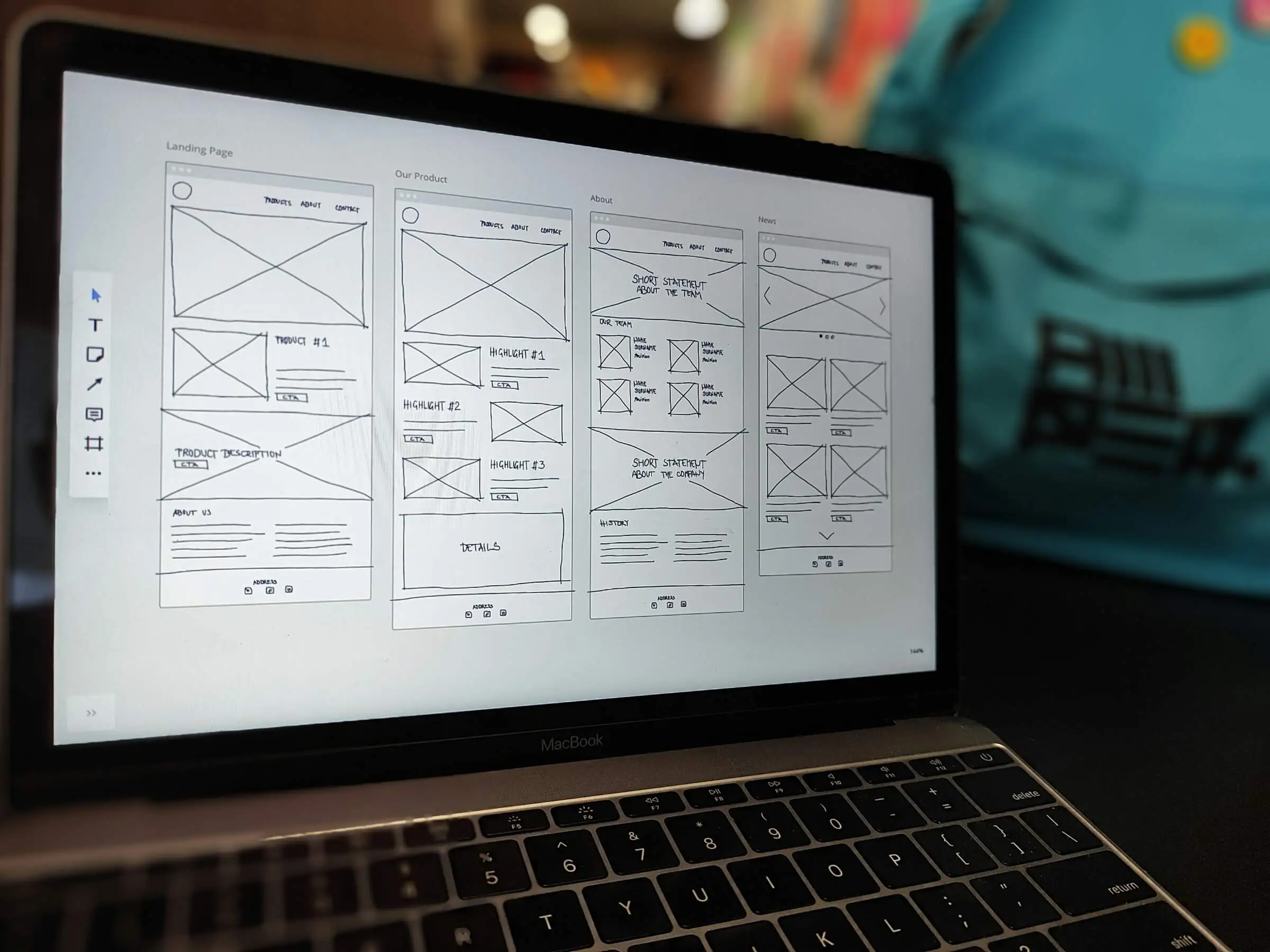
A sitemap is the list of pages and how they connect. Start with the core: Home, Services or Products, About, Contact, and any key support pages. If you serve local areas, add location pages. If you publish articles, add a blog hub and simple categories. Keep top level links short and clear. Use words people say in real life. A clean sitemap sets the stage for a site that is easy to use and easy to grow.
7. Map Out User Journeys
Pick two or three common tasks. For example, request a quote, buy a product, or book a demo. Write the steps a visitor should take from landing to action. Note what they need to see and what doubts you must remove. Add links that help them compare options or learn more without getting lost. A user journey is a simple story. It helps you design pages that guide people to the next step with no friction.
8. Plan Landing Page Content
List the parts of a strong landing page. Clear headline, short intro, benefits, proof, simple pricing or next steps, FAQs, and a direct call to action. Add helpful images. Use short paragraphs. Keep forms short. End each section with a link or button that points to the next best step. Write for a busy person who needs answers now. Plain language wins.
9. Create A Design Brief
A design brief is a short guide for your creative team. It repeats your goals and audience, lists the pages, shows a few inspiration examples, and states the tone. It also includes your brand colors, fonts, and any assets like logos and photos. Add notes on accessibility, such as color contrast and keyboard access. A good brief saves time later because it settles common questions early.
10. Define Your Budget
Set a budget that matches your goals. Break it into design, development, content, and assets like photo or video. Include ongoing costs like hosting, domains, and maintenance. Plan for performance and accessibility as core work, not extras. If the number is tight, launch a smaller version first and add features after you see results. A clear budget helps you choose scope with confidence.
Let Silver Horizon Help Plan Your Website
If you want a clean plan you can put into action, we can help. Ask for a quick website planning session. We will clarify your goals, map the sitemap, and shape a simple content plan you can follow week by week.
Things To Avoid When Planning A Website
Avoid vague goals like make the site better. Avoid large menus with clever labels that hide what people want. Avoid long forms that ask for things you do not need. Avoid heavy media that slows pages. Avoid building for desktop first then trying to fix mobile later. Avoid skipping redirects when you change URLs. Avoid decisions by committee. Name one decision maker and short feedback windows.
Planning A Website With A Web Design Company
A partner can speed up planning and reduce risk. They bring proven steps, templates, and checklists. They also bring an outside view that helps remove bias. Share your goals, your analytics, and the pages that already work. Ask for a clear scope, a timeline, and simple pricing. Make sure the plan covers content, performance, accessibility, QA, and post launch support. Good planning leads to calm delivery.
Conclusion
A strong website starts with a simple plan you can stick to. Define goals, choose your audience, plan content, and set a budget. Keep your sitemap clear and your copy direct. Make every page earn its place. When you plan well, design and development move fast, and launch feels smooth. Use this guide as your map and adjust it to fit your team.
Faq’s
Q: How long does website planning take?
A focused plan can be ready in one to two weeks. Larger sites with many pages or teams may take three to four weeks. The main factor is content readiness and fast feedback.
Q: Who should be involved in planning?
Include one decision maker, a marketer or product owner, a writer, and someone who knows your customers well. Keep the group small so choices are clear and fast.
Q: Do I need personas for every user type?
No. Start with two or three that cover most visits. Add more only if the needs are very different.
Q: What is the best way to plan content?
Use a shared sheet with pages, owners, status, and due dates. Give each page a goal and a short outline. Keep paragraphs short and helpful.
Q: How detailed should the sitemap be?
List top level pages and key children. Avoid deep trees that are hard to maintain. Use simple names people understand.
Q: How do I set a budget?
Break costs into design, development, content, and assets. Include ongoing costs for hosting and upkeep. If needed, launch a smaller version first.
Q: What should I measure after launch?
Track conversions, search queries, top landing pages, and speed. Review monthly. Use small updates to improve results.
Q: Do I need a web design company?
Not always. If you have time and skills in house, you can plan yourself. A good partner can help you move faster and avoid mistakes.
Q: How do I avoid delays?
Agree on a simple scope, set short feedback windows, and appoint one decision maker. Prepare content early.